


1
Send an Enquiry
Complete the form or contact us using your preferred method.

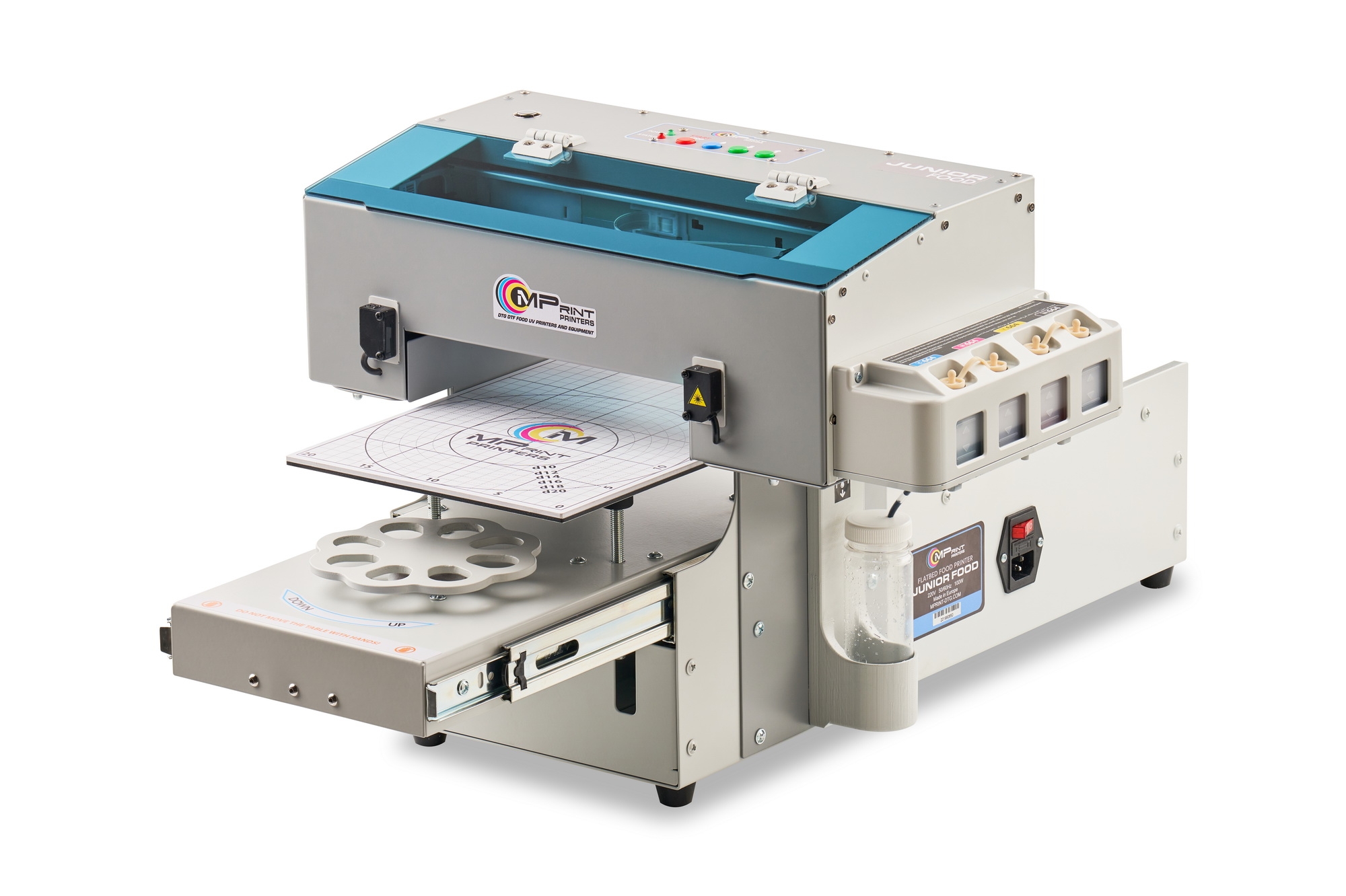
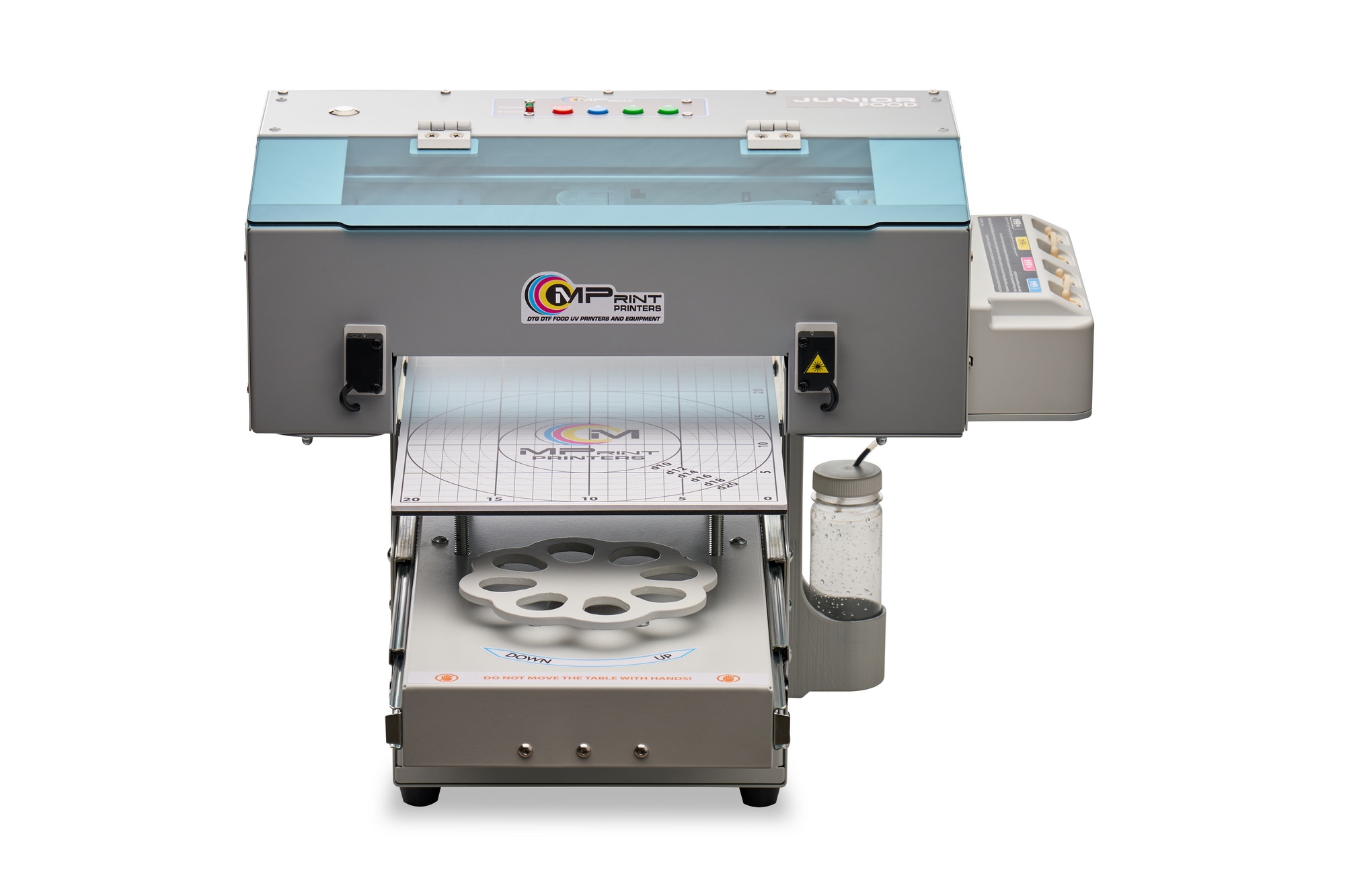
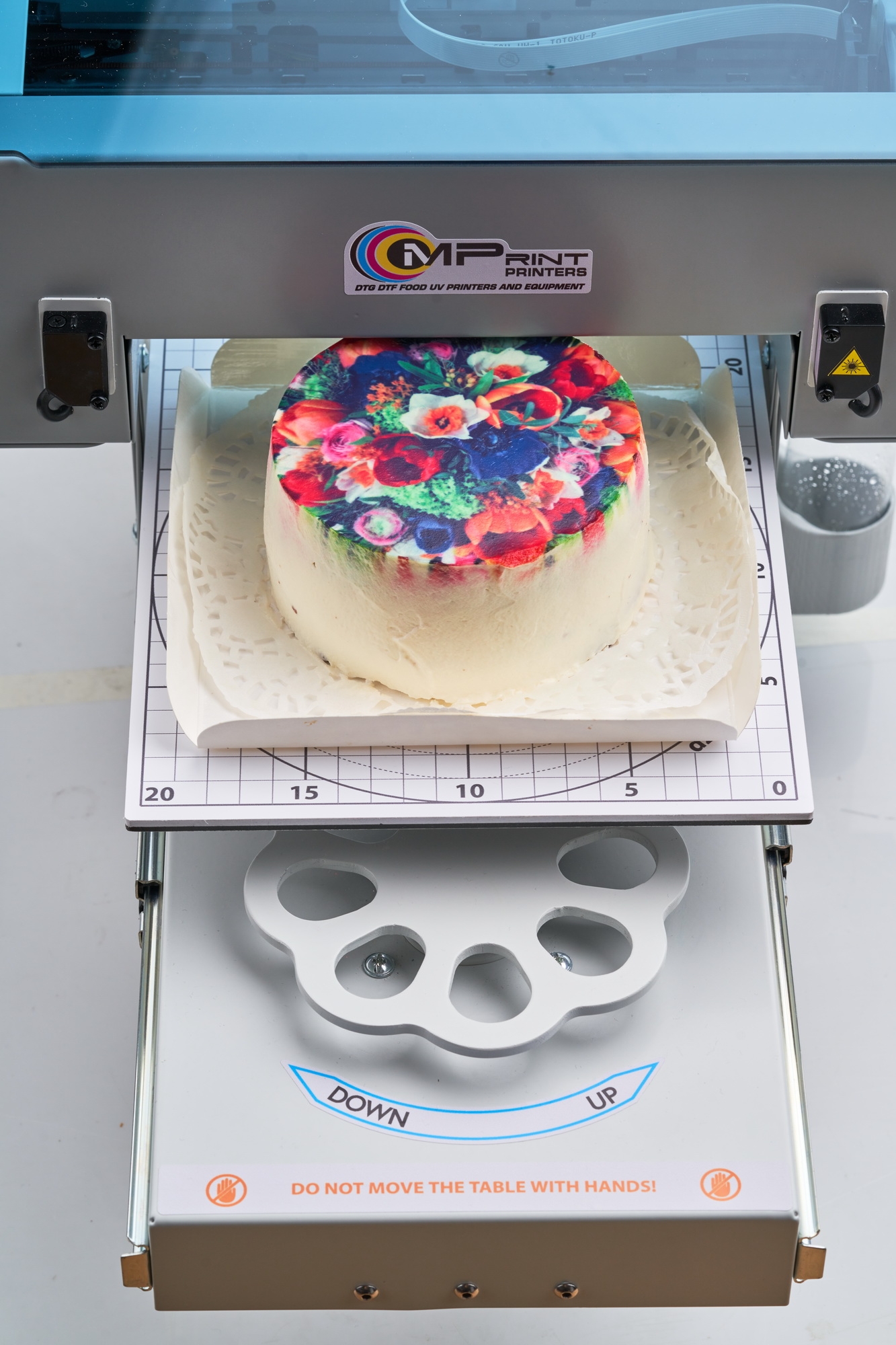
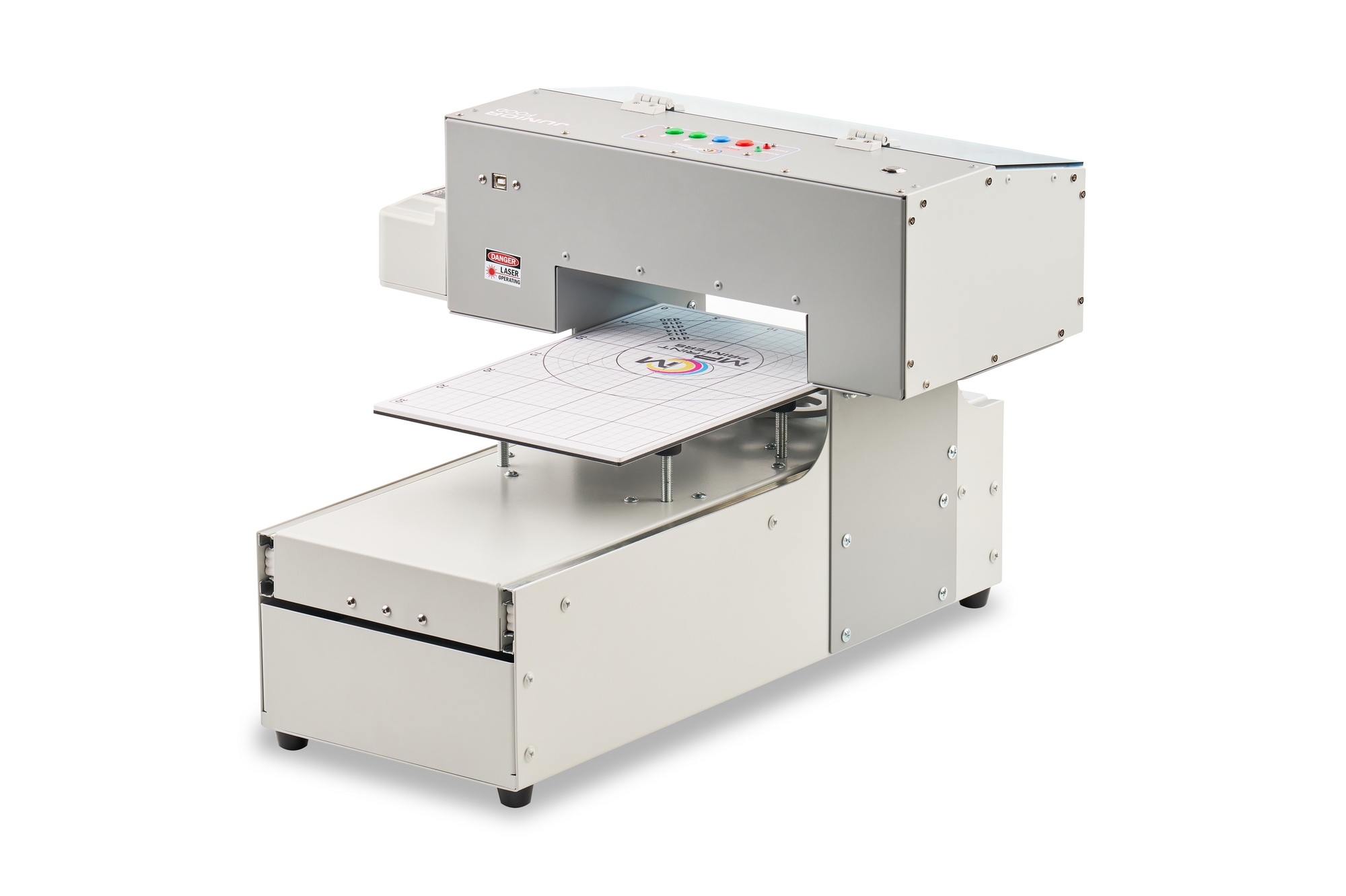
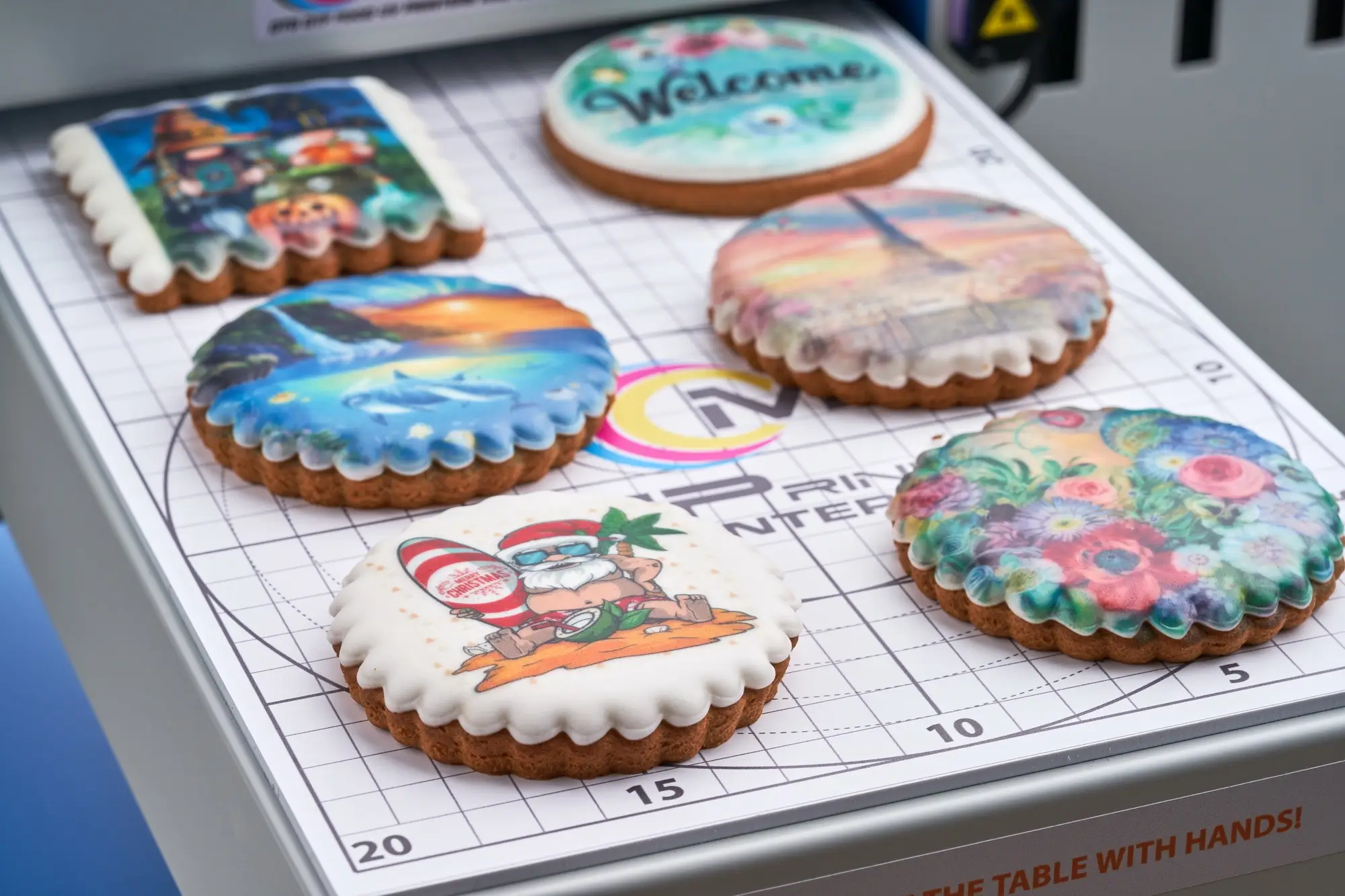
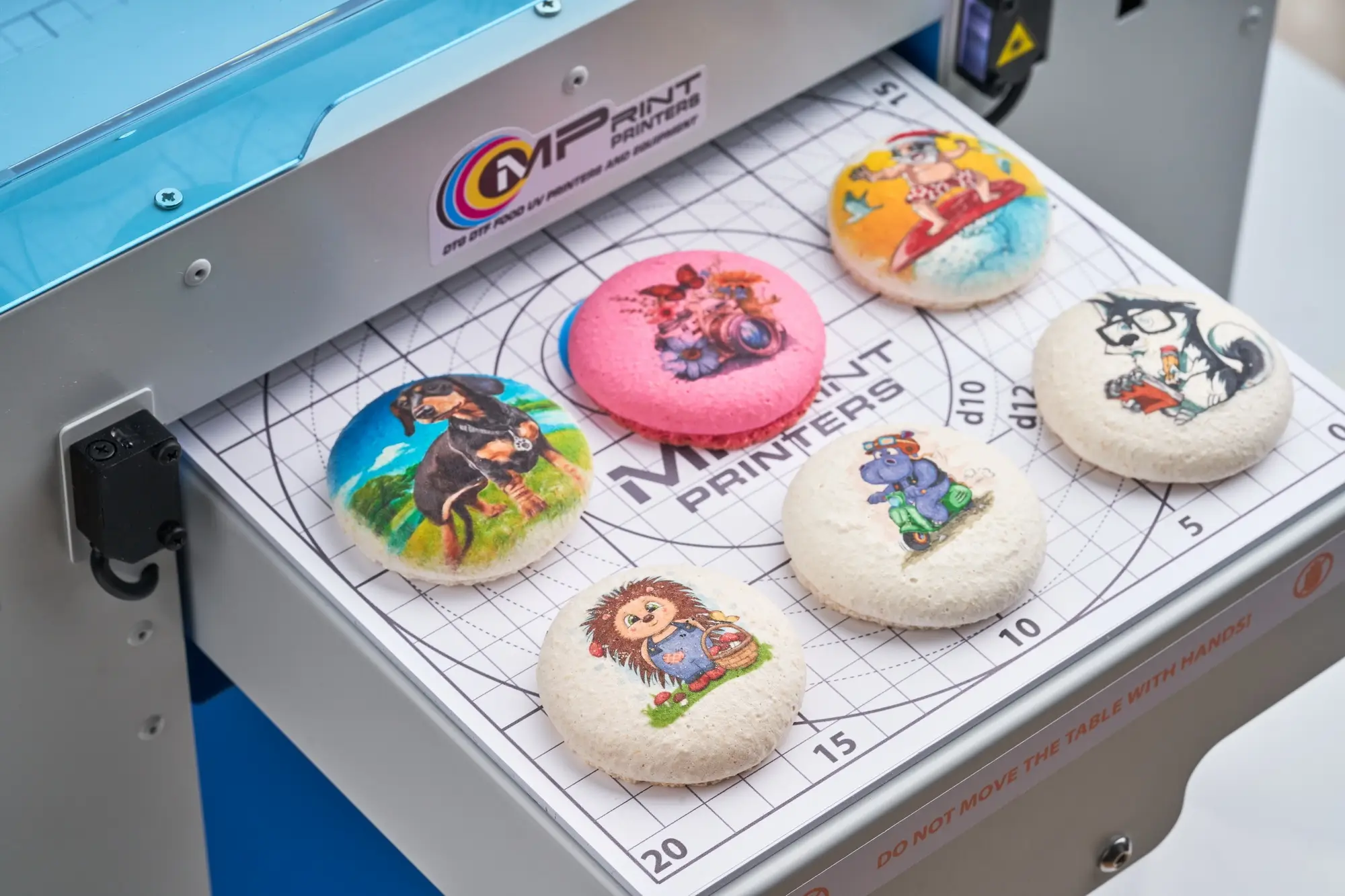
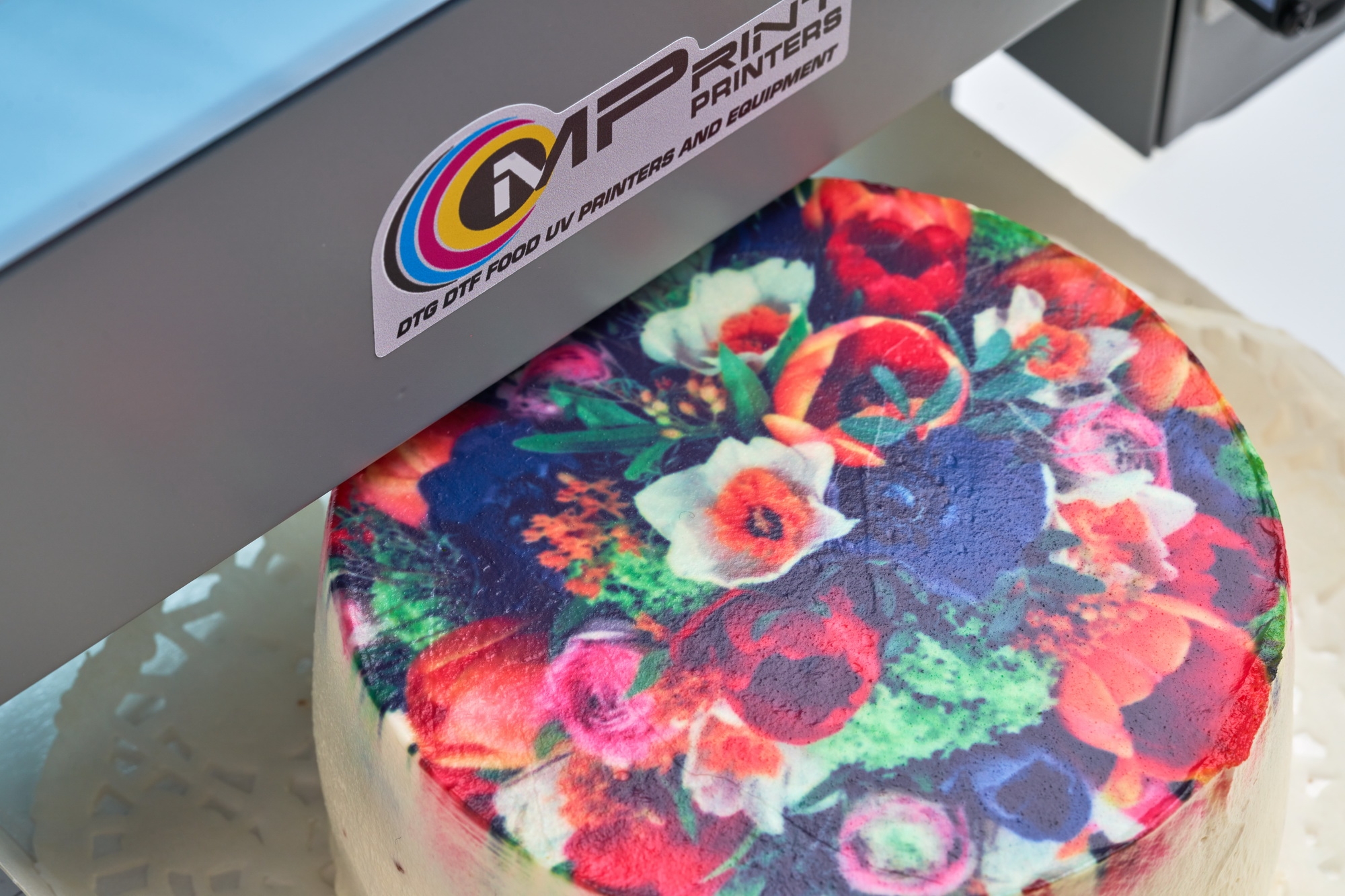
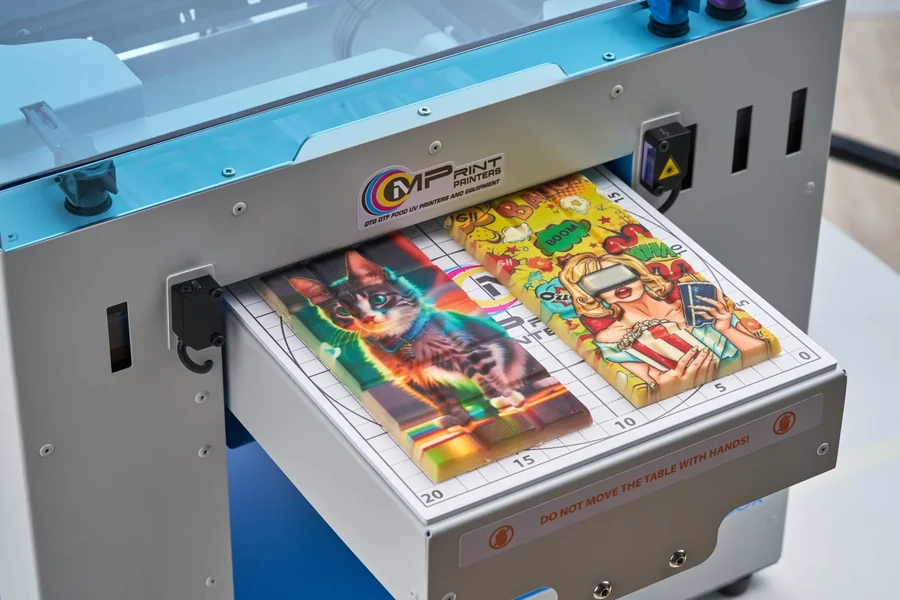
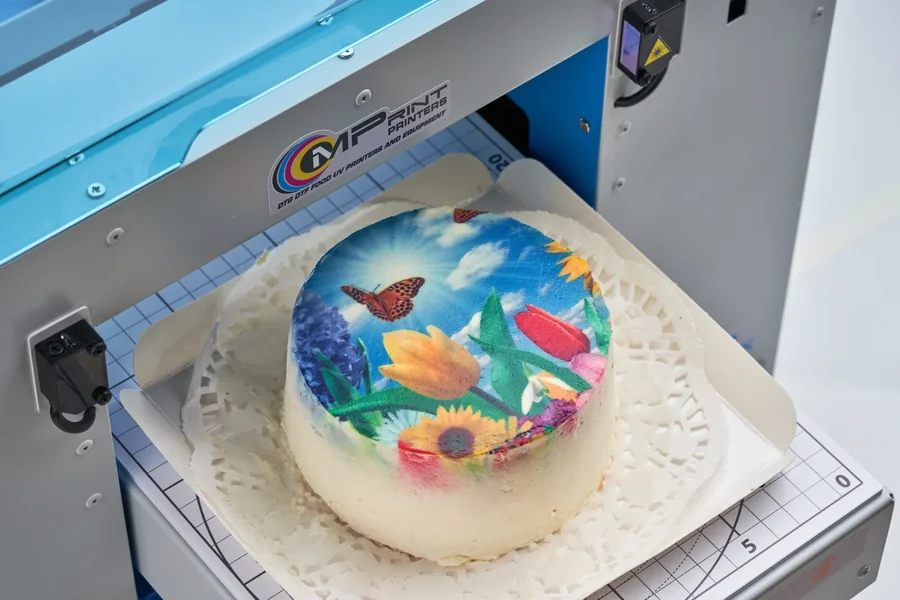
Junior Food is a compact edible printer manufactured by MPrint Printers for direct printing on gingerbread, cookies, macarons, chocolate, pastries and edible sheets. It is suitable for personalised orders, cafés, bakeries, small confectionery businesses and small businesses producing personalised confectionery gifts.
The 20 × 30 cm print area is convenient for popular confectionery formats, while the product height of up to 8 cm makes it possible to print not only on edible sheets but also on suitable finished desserts.
Junior Food connects to a computer via USB or Wi-Fi and uses certified CMYK edible inks intended for direct printing on food products.
Laser-Assisted Height Adjustment
Laser sensors monitor product height as the table moves. If an item is positioned above the safe level, the printer emits an audible warning and stops the movement.
The table does not move into the print-start position until the user lowers it to the correct working level. Height is adjusted manually using the adjustment wheel, so the distance between the product and the print head does not have to be estimated by eye.
The main body components are made of 1–2 mm sheet steel, depending on the structural element. Powder coating protects the metal surfaces, while the rigid construction helps keep the mechanisms stable during operation.
A peristaltic pump provides forced circulation of the edible inks and helps clean the print head. The cleaning cycle is started with the yellow Cleaning button on the control panel.
A hybrid stepper motor and timing-belt drive provide smooth, precise and stable table movement, reducing the risk of slipping while the product is being positioned.
Printing and table movement are controlled with the Start and Movement buttons on the control panel. The user does not need to move the table or internal printer mechanisms manually.
Junior Food is suitable for businesses that need a compact printer, easy desktop installation and the ability to produce small batches without large production equipment.
Enter the additional profit you earn per item after applying the printed image.
This calculation is an estimate. Actual productivity, ink consumption and payback period depend on image size, ink coverage, product cost, selling price and workflow organisation. The calculation uses the equipment price excluding VAT. Delivery and other additional costs are not included.
Productivity of up to 250 items per hour is possible when several small identical items are placed on the print table and printed in one cycle. It does not mean that one individual item is printed 250 times per hour.
Junior Food is supplied ready for connection and initial setup. The package includes the required cables, User Manual and a test set of edible inks.
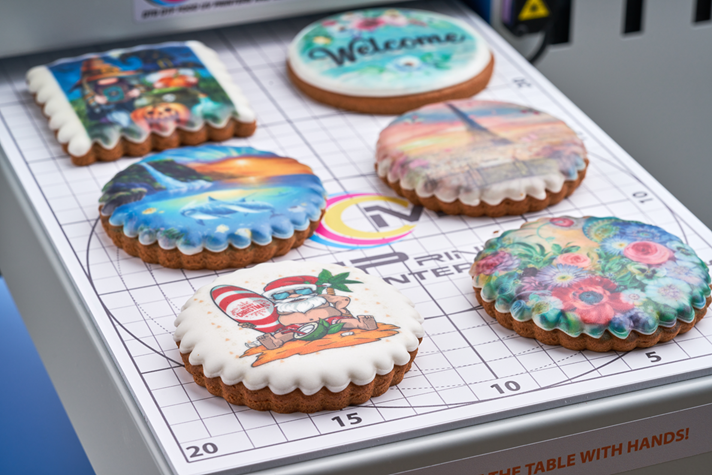
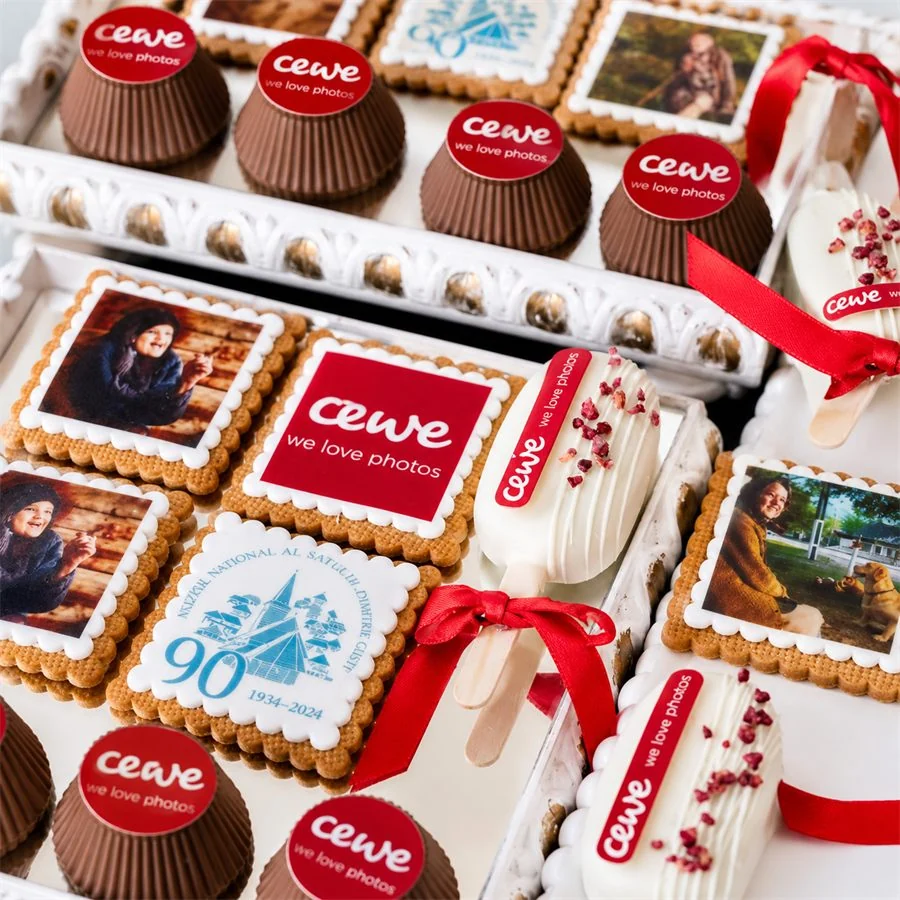
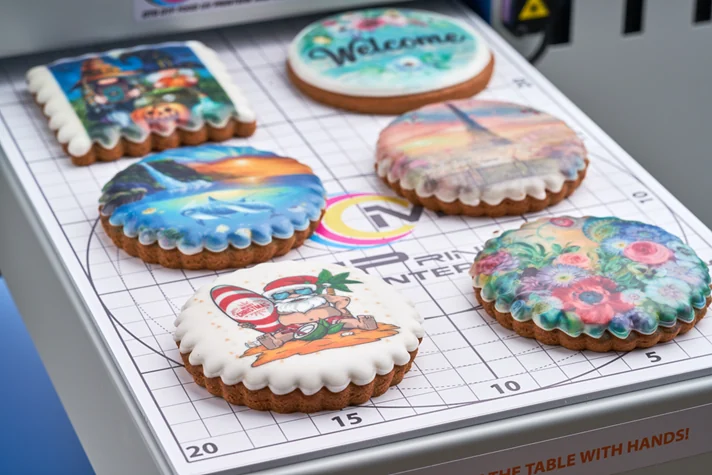
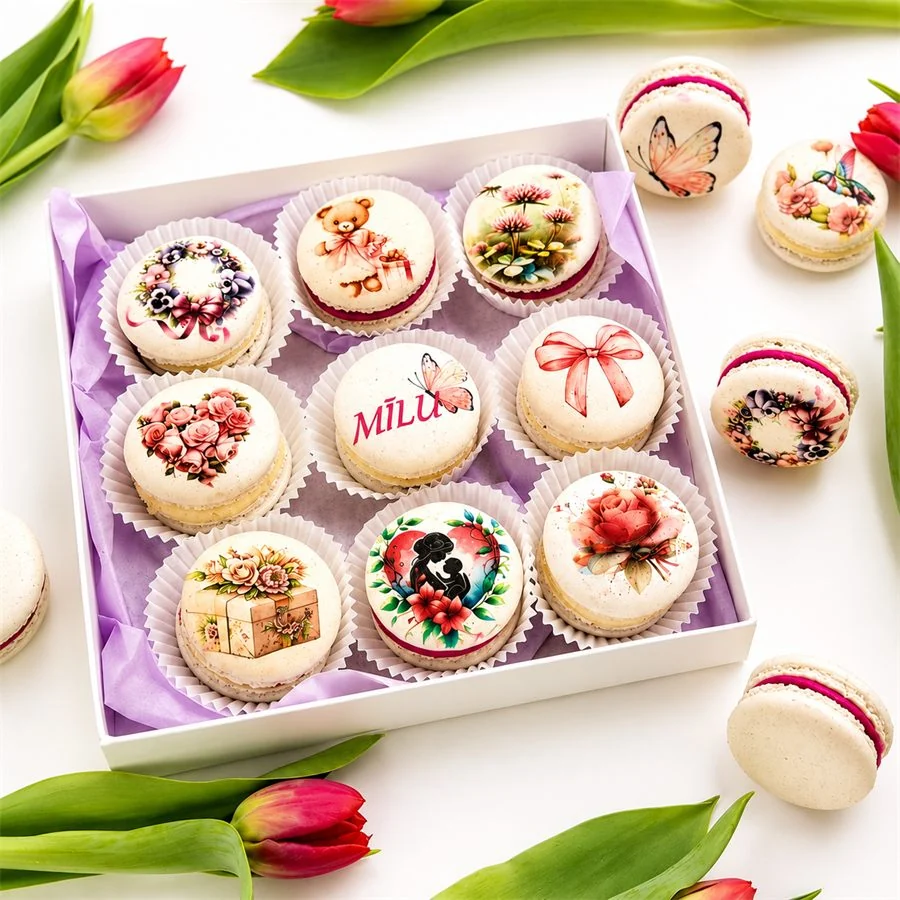
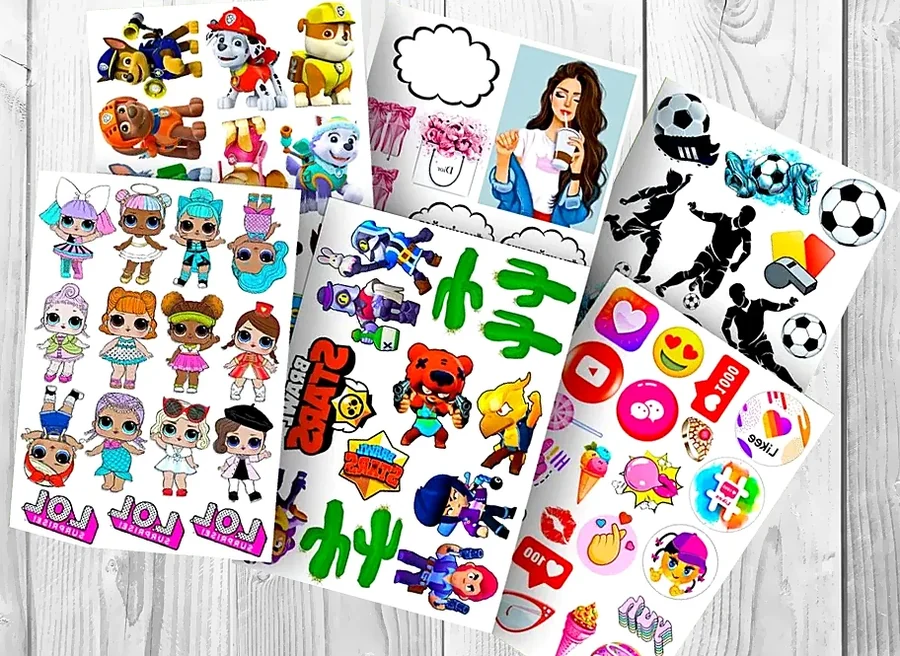
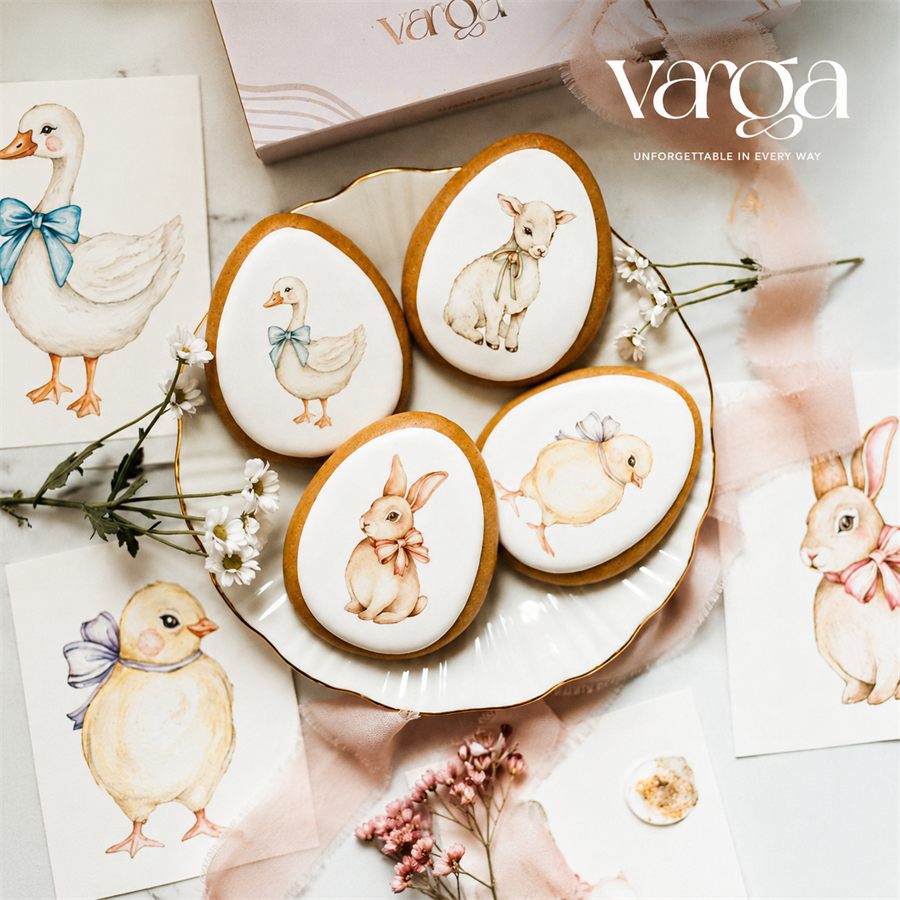
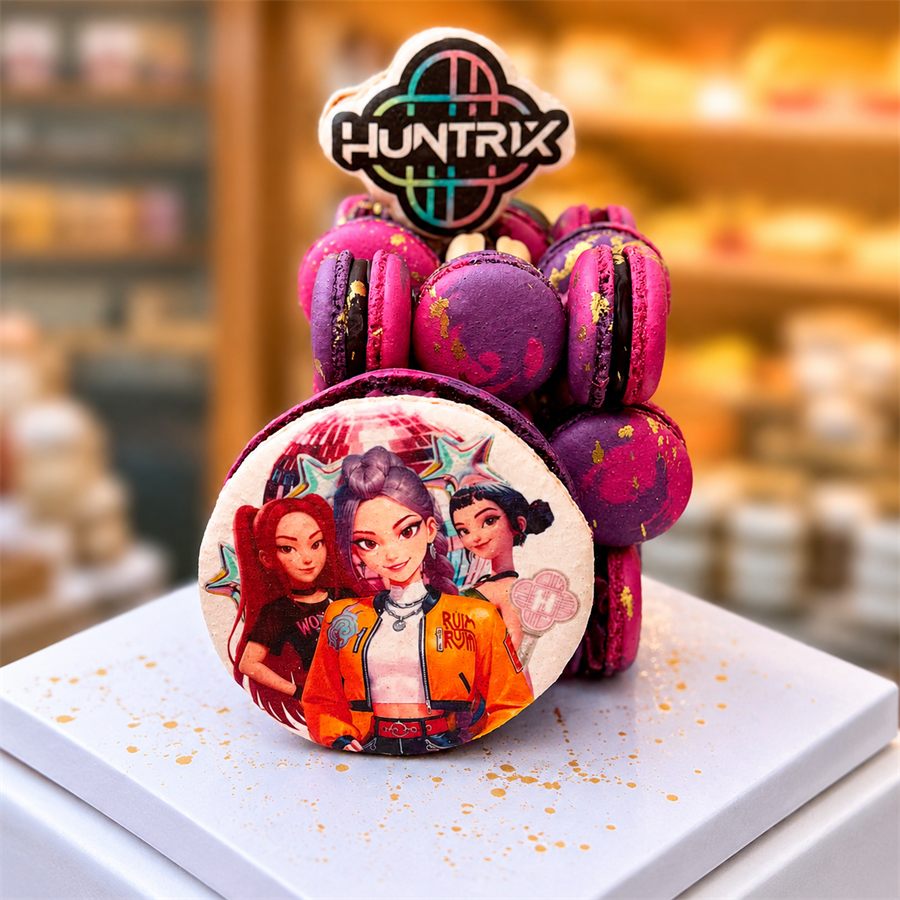
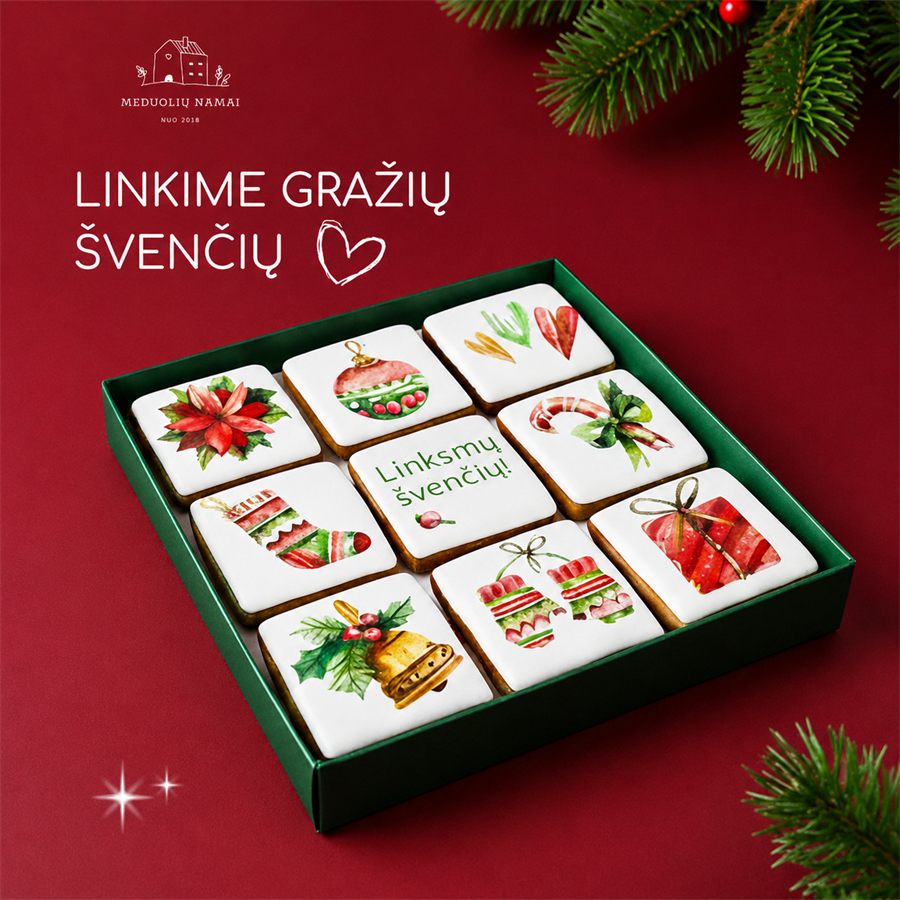
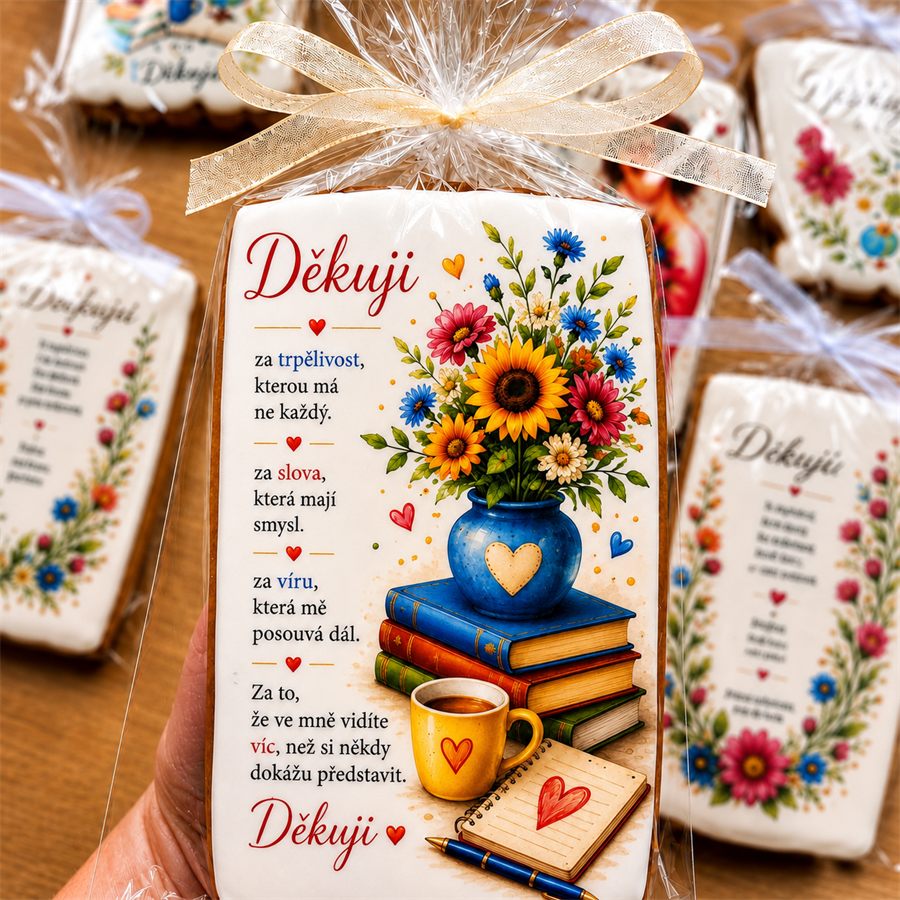
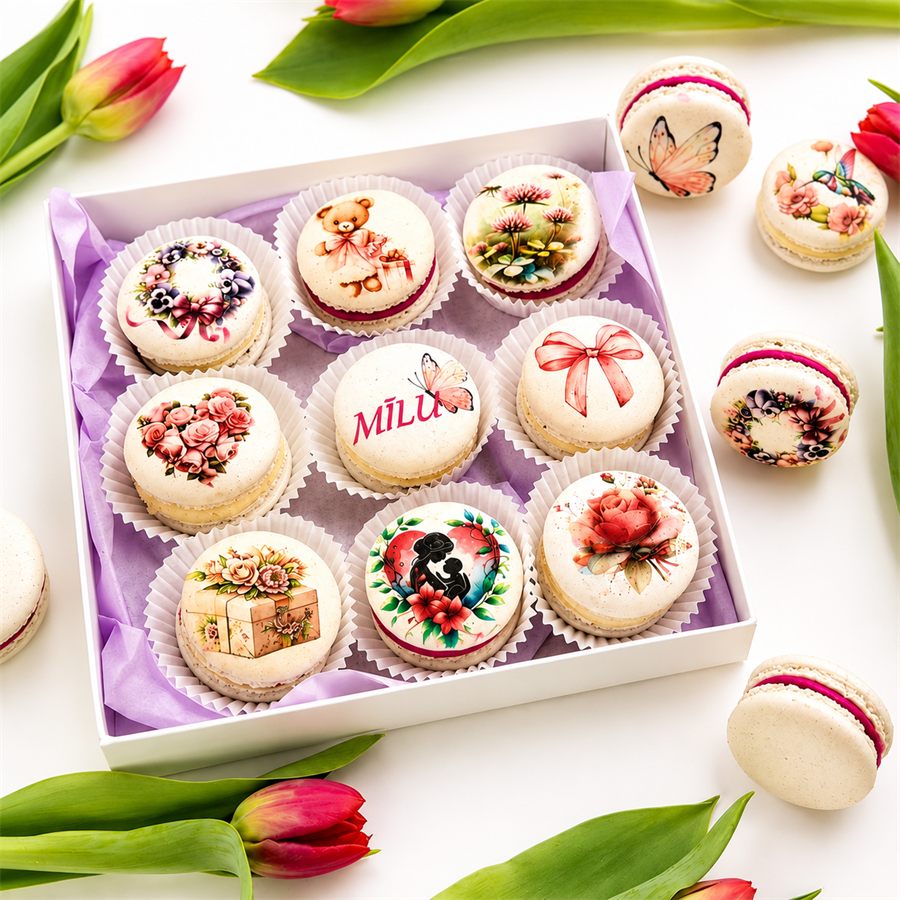
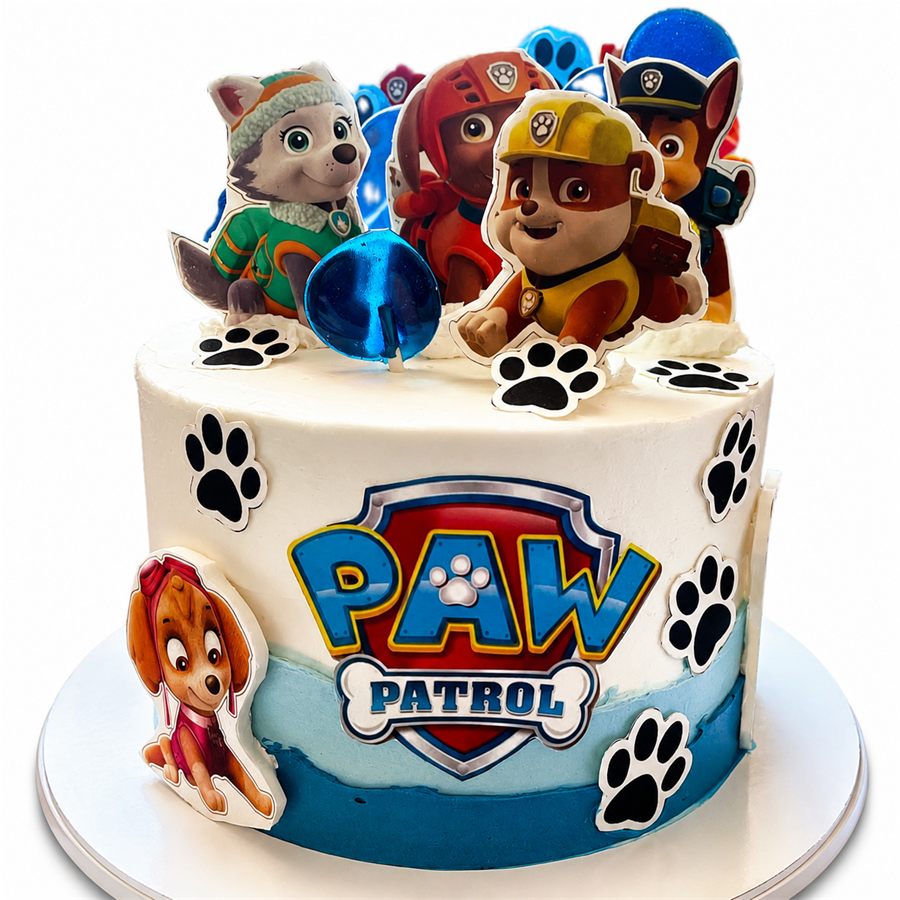
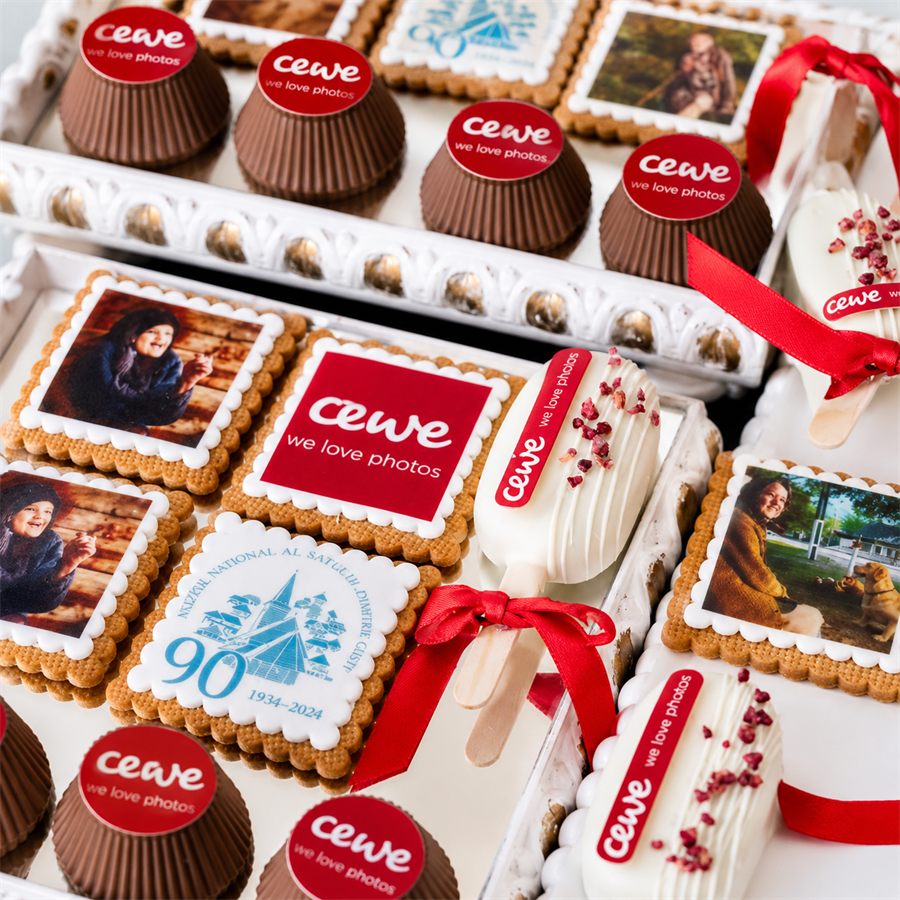
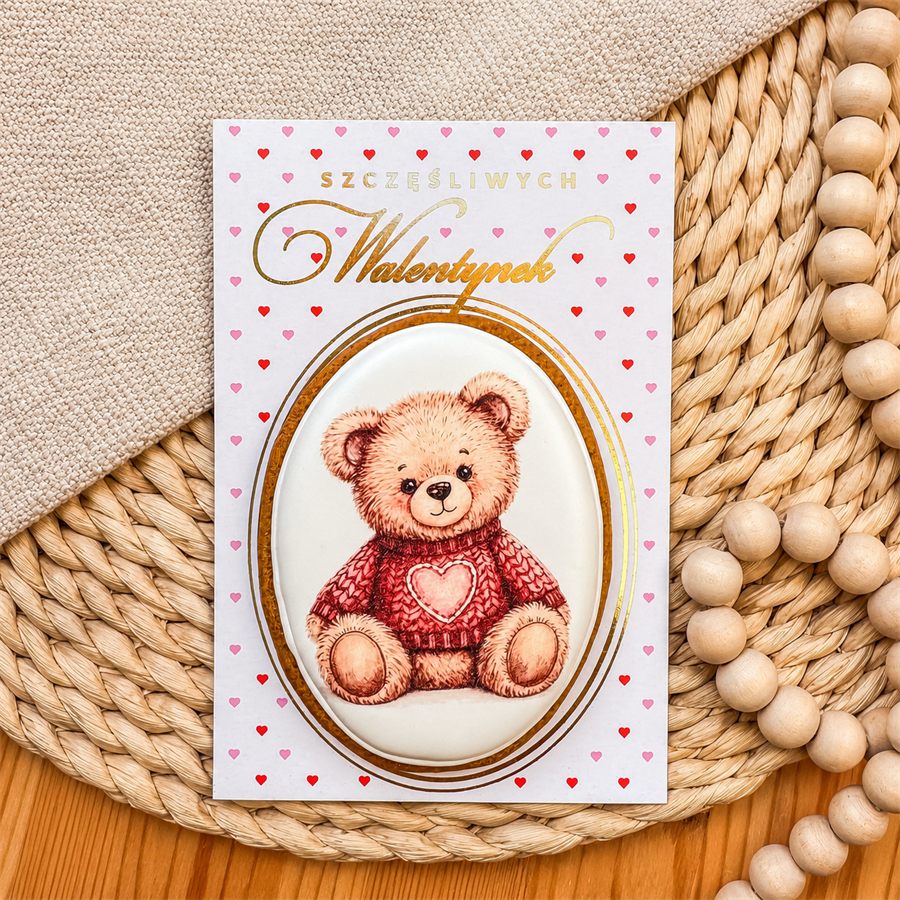
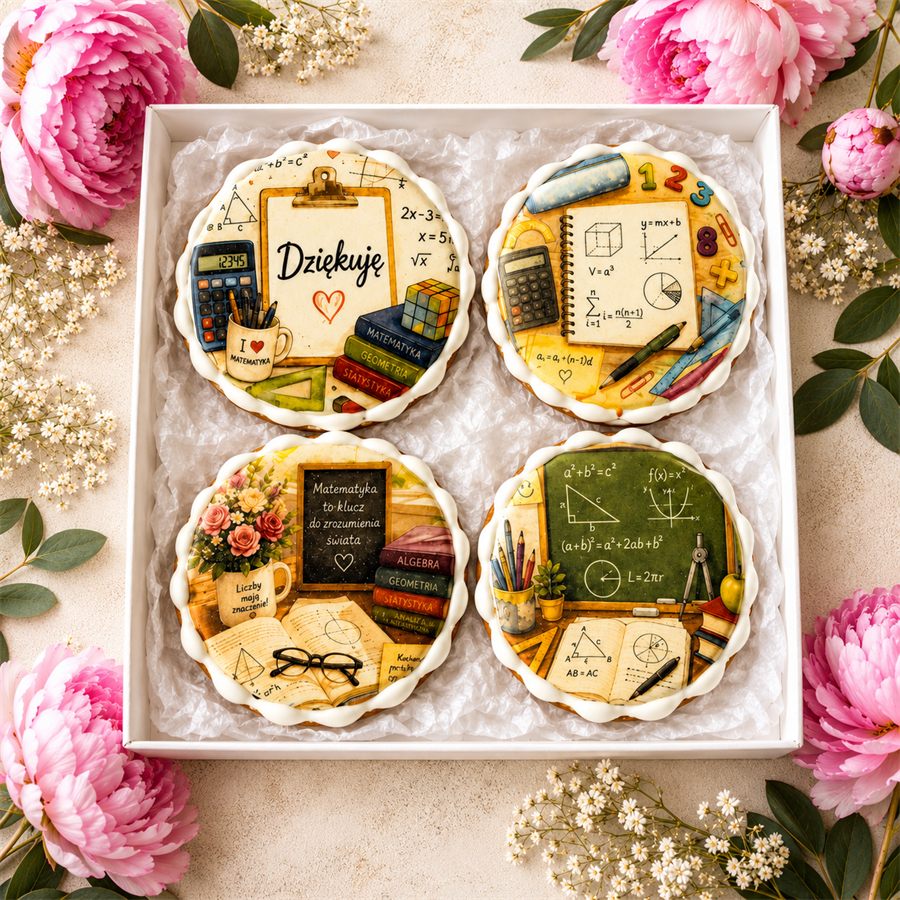
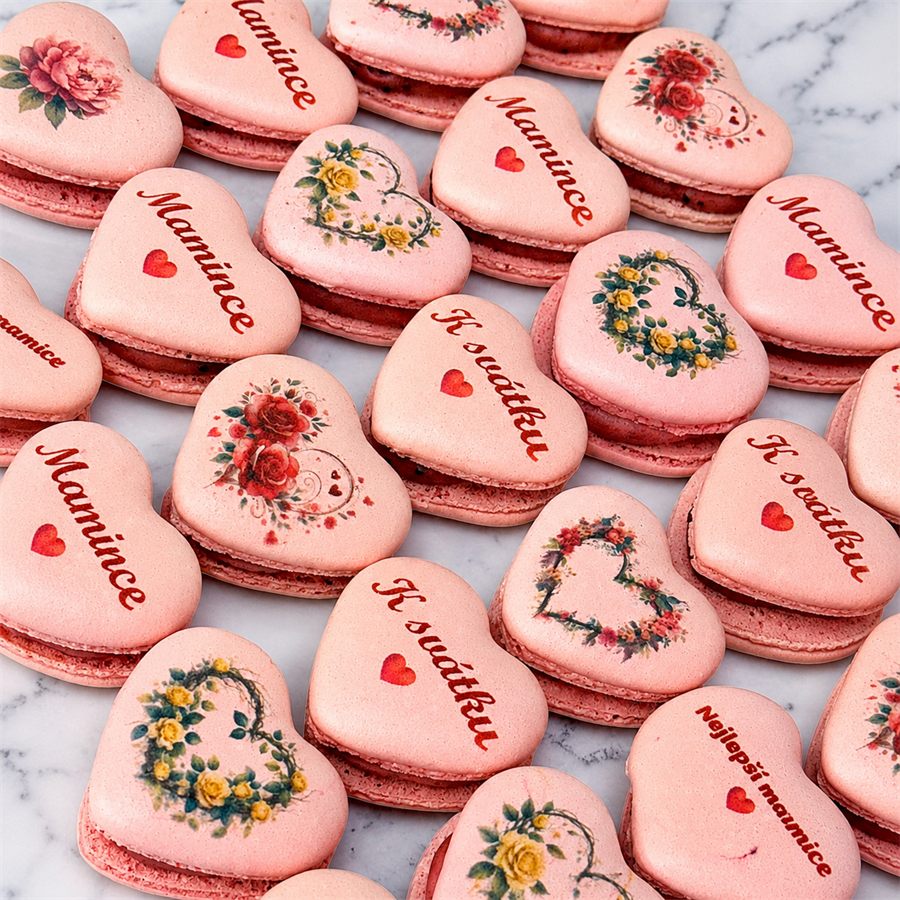
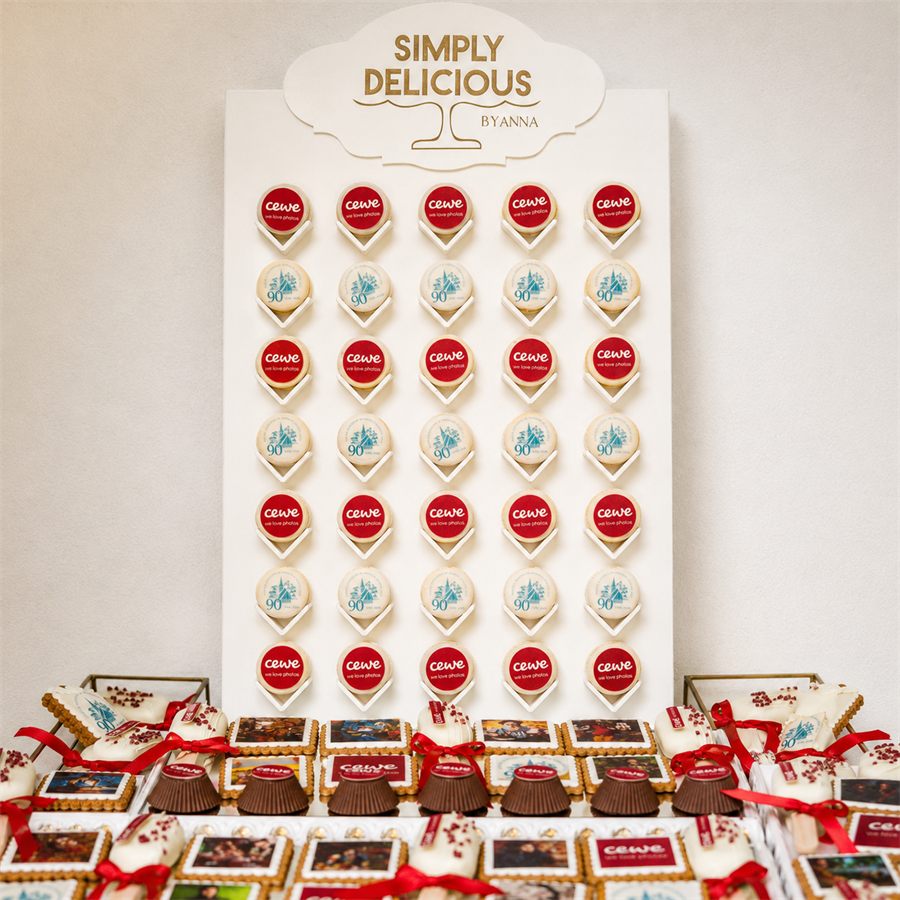
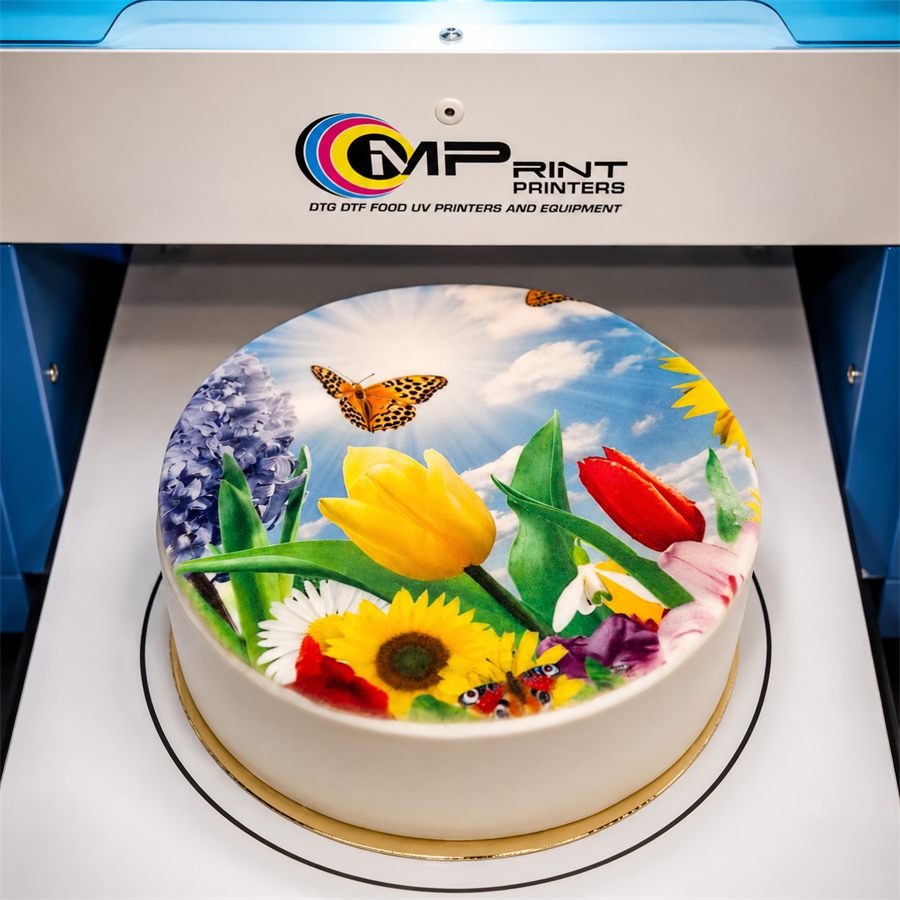
Examples of products printed using MPrint Printers edible printers.
Before dispatch, the equipment is inspected and a test print is performed.
We assist with initial setup, configuration, operation and printer maintenance.
Complete the form or contact us using your preferred method.
We discuss your application, the products you want to print and the delivery information.
We calculate the delivery cost and prepare a pro forma invoice.
After payment, we configure the printer, check print quality and prepare the equipment for dispatch.
We hand the order over to the carrier and assist with setup and training after delivery.
Junior Food is designed for direct edible printing on gingerbread, cookies, macarons, chocolate, pastries, small cakes and edible sheets. For a high-quality result, the product should have a sufficiently flat surface suitable for direct printing. The model is suitable for personalised orders, cafés, bakeries, home-based producers and small businesses producing personalised confectionery gifts.
The print area of Junior Food is 20 × 30 cm. The number of items printed in one cycle depends on their size and arrangement on the table. Several small gingerbread cookies, biscuits or macarons can be placed on the table as long as they fit within the print area and do not overlap. There is no fixed number of items per cycle.
Junior Food can print on products up to 8 cm high. Laser sensors help monitor the safe position of the product in relation to the print head.
One print cycle takes approximately 2.5 minutes. The actual time depends on the image size, selected print quality, ink coverage and printer settings.
During batch production, productivity can reach up to 250 small items per hour. This result is possible when several identical items are placed on the table and printed in one cycle. Actual productivity depends on the size of the products and images, the number of items on the table, print settings and workflow organisation.
Yes. Junior Food can print images, text and logos directly on chocolate. The brightest and most predictable results are achieved on white and light-coloured chocolate. Colour reproduction is limited on dark chocolate, so a test print is recommended before batch production.
Junior Food uses certified edible inks produced in Europe in the CMYK colour system. The inks are intended for direct printing on food products. A test set of edible inks is included with the printer.
Junior Food connects to a computer via USB or Wi-Fi. Images, photographs, logos and text can be used for printing. The artwork is positioned according to the actual placement of the products on the print table. Artwork preparation and print settings are covered during the initial setup and training.
The product must be placed securely within the 20 × 30 cm print area, and the print table must be positioned correctly. Laser sensors help control the safe product height. The artwork is sent from the computer, and the next steps are performed from the control panel in accordance with the instructions and printer settings.
Keep the print table clean, monitor the edible ink level and check the condition of the print head. Cleaning is performed using the printer’s built-in system. Junior Food uses a peristaltic pump, and the cleaning cycle is started with the Cleaning button on the control panel. Maintenance frequency should follow the User Manual.
Yes. Initial setup assistance, printer training and technical support are provided after purchase. The MPrint Printers team helps with connection, setup, artwork preparation and selection of suitable print settings.
The package includes the MPrint Junior Food edible printer, power and USB cables, User Manual, warranty card, test set of edible inks and reinforced transport packaging. Initial setup assistance, training and technical support after purchase are also provided.